Introducing Apple Card Family. Share all the great features and benefits of Apple Card with up to five people.1 Learn more
Carry one thing. Everything.
The Wallet app lives right on your iPhone. It’s where you securely keep your credit and debit cards, transit cards, boarding passes, tickets, car keys, and more — all in one place. And it all works with iPhone or Apple Watch, so you can take less with you but always bring more.
Payments
Start here.
Pay anywhere.

Add a credit
or debit card.
With no
added effort.
Apple Pay.
Pay the new-
fashioned way.

Pay in stores
Pay online
Pay in appsApple Pay

Apple Cash.
The bucks
start here.
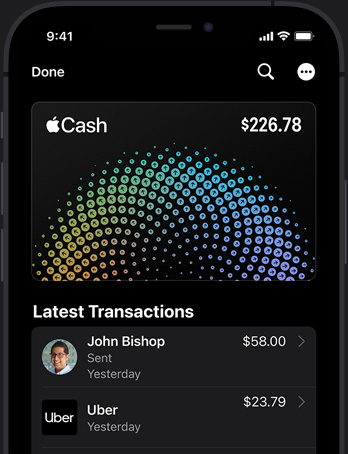 Apple Cash
Apple Card.
A different kind
of credit card.
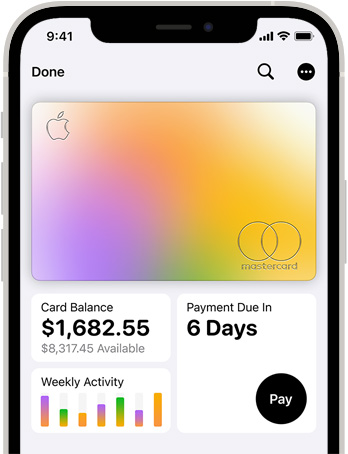 Apple Card
Transit and travel
Your even more mobile device.
Express
Mode.
Tap. Ride.
You’ve
arrived.
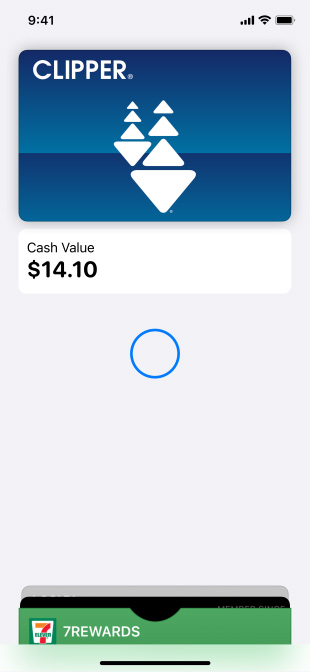
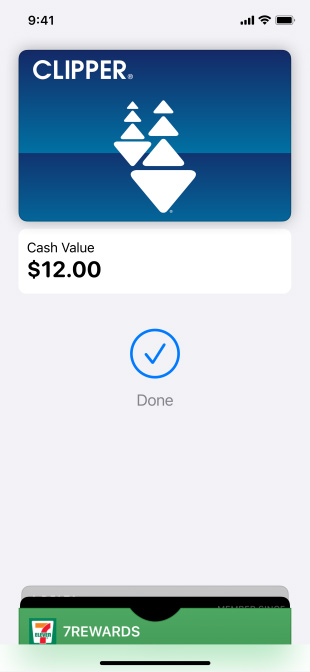
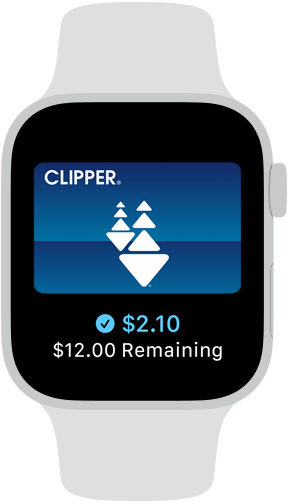
Express Mode

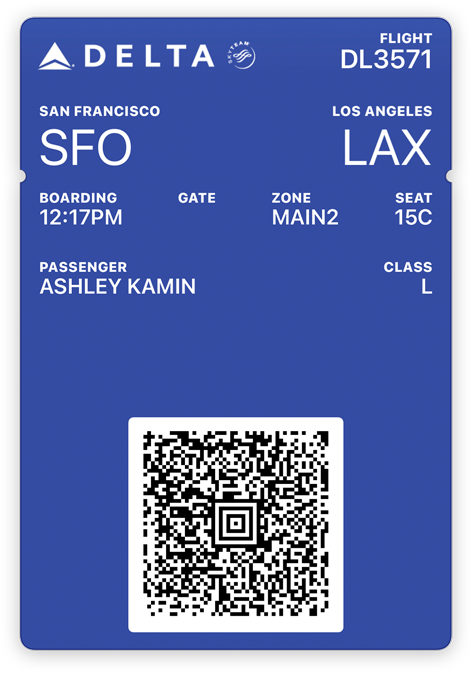

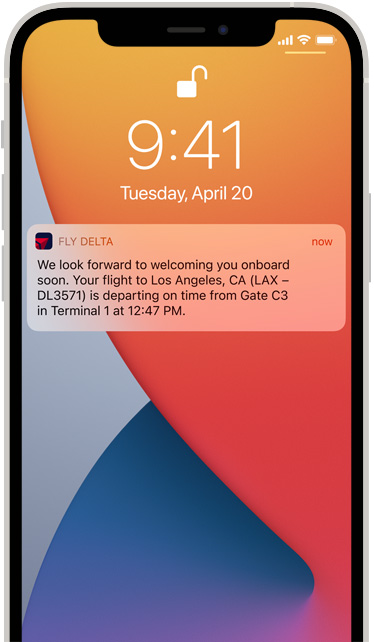
Boarding
passes.
Easier on
the fly.
Boarding Passes
Access
Right this way,
right away.


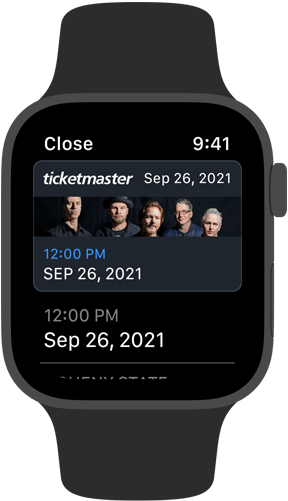
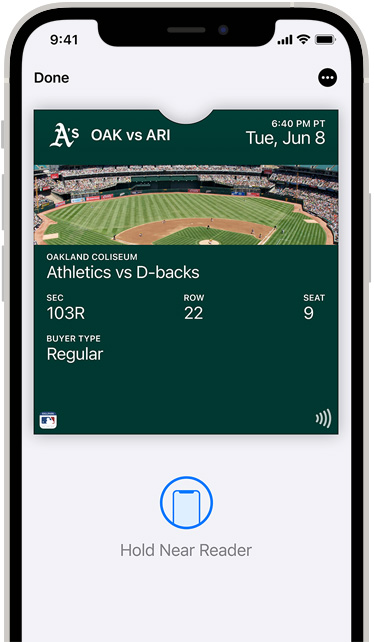
Movies and
live events.
Just show.
And go.
Movies and Live Events
Student ID.
Big app on campus.
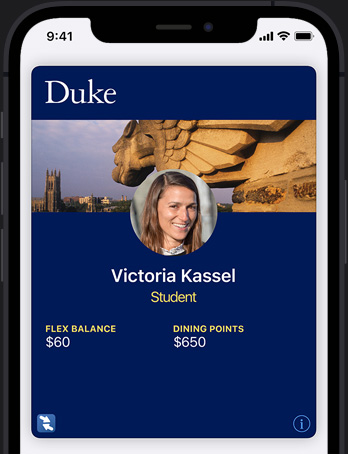 Student ID
Car keys.
Now with
less key.
 Car Keys
Loyalty
and Rewards
You reap what
you store.
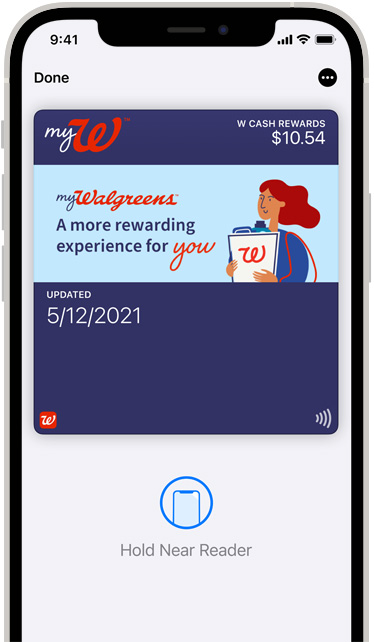
No physical
cards to lose.
Win, win, win.
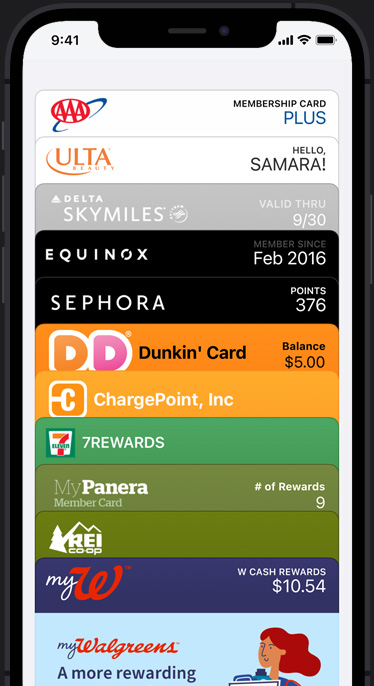









Great
brands.
Always
stacked in
your favor.
Loyalty and Rewards


The wall around Wallet.
Wallet takes full advantage of the privacy and security built into iPhone, which is designed to protect your identity and keep what’s yours yours. When you make a purchase, Apple Pay uses a unique transaction code, so your card number is never shared with a merchant or put on Apple servers. And there’s no need to carry physical cards or touch buttons in stores. So it’s safe to say you’ll feel safer.
Get started with Wallet.
In case you missed anything.
- What is Apple Wallet?
- How safe is Apple Wallet?
- How do I use Apple Wallet?
- What is the difference between Apple Pay and Apple Wallet?
Apple Pay
The safer way to make secure,
contactless purchases
in stores and online.

Apple Card
The credit card reimagined —
with no fees, unlimited Daily Cash
back, and helpful financial tools.
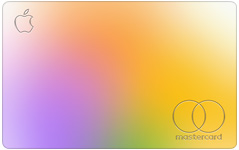
Apple Cash
Use it to send and receive
money in Messages and wherever
Apple Pay is accepted.
Apple Footer
- Apple Card Family participants and co-owners do not need to have a familial relationship, but must be part of the same Apple Family Sharing Group.
- Apple Cash, including person-to-person payments with Messages and the Apple Cash card, is a service provided by Green Dot Bank, Member FDIC.
- Variable APRs range from 10.99% to 21.99% based on creditworthiness. Rates as of April 1, 2020.
- Available only in select cities and transit systems. Requires eligible device and OS version. See here for details.
- Requires iOS 9 or later and iPhone 6 or later. See here for details.
- Available only in select schools. Requires eligible device and OS version. See here for details.
- Available only on select makes and models. Requires eligible device and OS version. See here for details.
- Available only with select programs. Requires iOS 9 or later and iPhone 6 or later. See here for details.
- To access and use all the features of Apple Card, you must add Apple Card to Wallet on an iPhone or iPad with the latest version of iOS or iPadOS. Update to the latest version by going to Settings > General > Software Update. Tap Download and Install. Available for qualifying applicants in the United States. Apple Card is issued by Goldman Sachs Bank USA, Salt Lake City Branch.
- Features are subject to change. Some features, applications, and services may not be available in all regions or all languages.
- Some features require specific hardware and software. For more information, see Feature Availability.
- Wallet
Shop and Learn
Services
- Apple Music
- Apple TV+
- Apple Fitness+
- Apple News+
- Apple Arcade
- iCloud
- Apple One
- Apple Card
- Apple Books
- Apple Podcasts
- App Store
Account
Apple Store
- Find a Store
- Genius Bar
- Today at Apple
- Apple Camp
- Apple Store App
- Refurbished and Clearance
- Financing
- Apple Trade In
- Order Status
- Shopping Help
For Business
For Education
For Healthcare
For Government
Apple Values
- Accessibility
- Education
- Environment
- Inclusion and Diversity
- Privacy
- Racial Equity and Justice
- Supplier Responsibility
About Apple
More ways to shop: Find an Apple Store or other retailer near you. Or call 1-800-MY-APPLE.United StatesCopyright © 2021 Apple Inc. All rights reserved.Privacy PolicyTerms of UseSales and RefundsLegalSite Map
 World informations